K2K Packet
A full-featured packet radio terminal for Android. Connect via Bluetooth TNC, send and receive AX.25 frames, monitor traffic, and manage connections — all from your phone.
Features
KISS TNC Connection
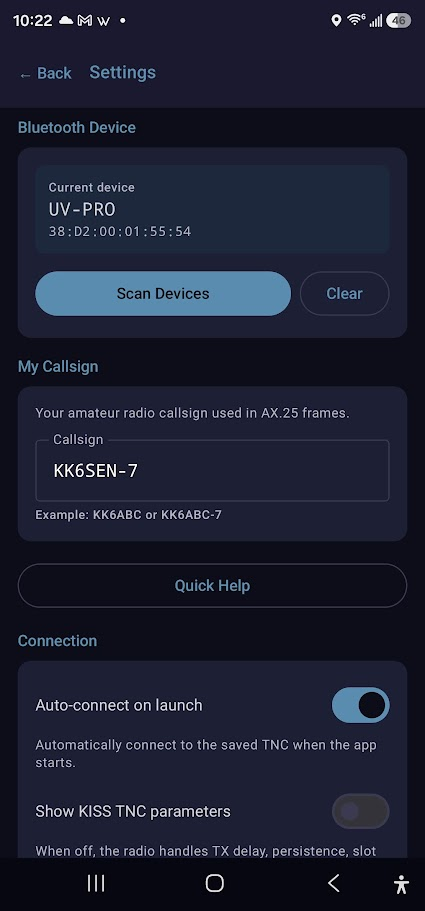
Connect to any KISS-compatible TNC over Bluetooth (RFCOMM). Auto-connect on startup, with configurable TNC port and baud rate.
Connection Tab
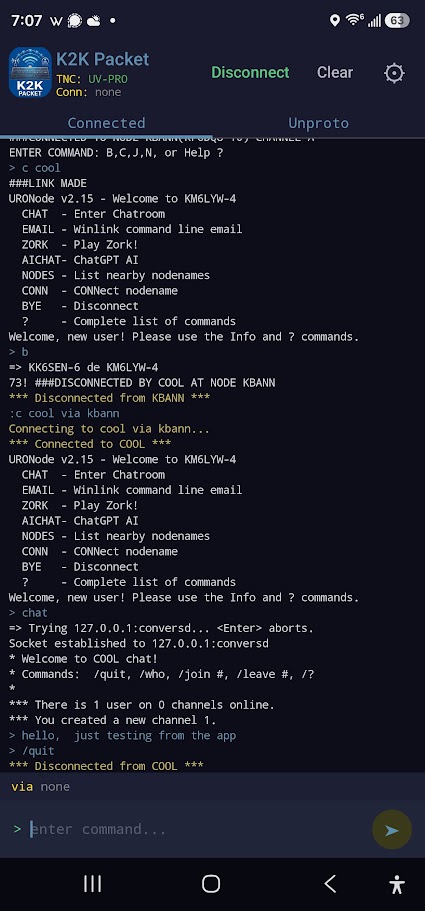
Single connected-mode session with full conversation history. Switch between monitor mode and connected mode with one tap.
Conversation History
Full scrollback with per-connection history. Keep track of every exchange, with copy support and auto-scroll for new data.
Sound Alerts
Configurable notification sounds for incoming traffic. Know when a packet arrives even with the screen off.
Command System
:c CALLSIGN to connect, :d to disconnect. Quick commands for station info, help, and connection management.
Full Settings
Configurable callsign/SSID, font size, screen-on behavior, TNC keepalive, ignored destinations, deduplication, and more.
Station Monitor
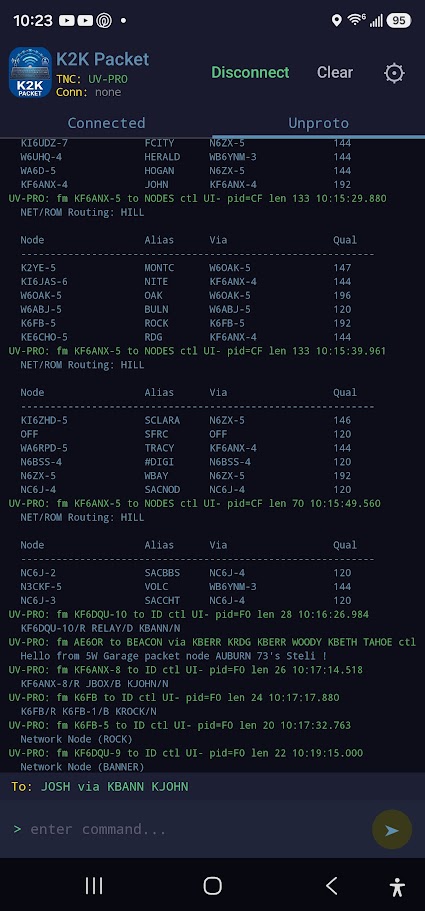
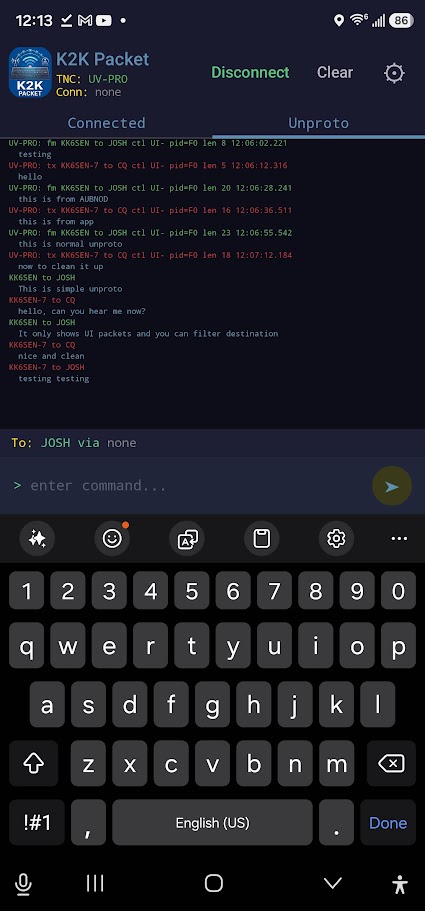
Monitor all decoded AX.25 frames in real time. See callsigns, SSIDs, and packet types flowing across the channel.
Native Android
Built with Kotlin + Jetpack Compose and Material 3. Dark theme, smooth navigation, and Google Play Store ready.
Screenshots
Beta Notice
K2K Packet is still in beta and updated often. If you run into an issue, find a bug, or have a feature request, drop me a line at [email protected].
I'd also love to hear if it works well for you and what radio you're using. So far it's only been tested with a BTech UV-PRO — I'd love to know what else is out there working with it.
Install
- Download the APK below
- On your Android device, open Settings → Security and enable Install from unknown sources (or allow from your file manager/browser)
- Open the downloaded APK file and tap Install
- Pair your KISS TNC (e.g. BTech UV-Pro, Mobilinkd) via Bluetooth
- Open K2K Packet, configure your callsign in Settings, connect to the TNC, and you're on the air
Changelog
What's New in 0.8.0
v0.8.0 — 2026-06-23
• Enabled R8 code minification for smaller APK (1.9 MB)
• Release keystore with proper signing
• Major version bump for Play Store release